
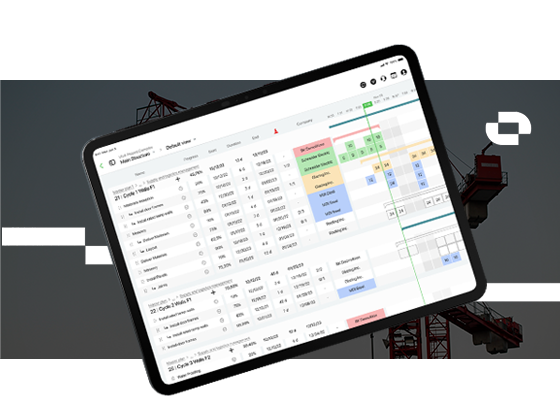
UX Study | iPadOS UI
A field-ready iOS app for superintendents, turning daily planning and progress tracking into a fast, intuitive, and mobile workflow.
CONTEXT
The challenge was to design and build an iPad application from scratch, adapting the complexity of construction scheduling into a simple and efficient mobile experience. The app had to work in dynamic environments, be intuitive for non-technical users, and integrate seamlessly with the existing Outbuild ecosystem.

THE CHALLENGE
As Lead Product Designer, I was responsible for shaping the product experience from early concepts through high-fidelity design and implementation.
THE PROCESS
- User Research
- Information Architecture
- Design System: Developed a custom UI kit based on iOS native components to ensure consistency, scalability, and familiarity for users.
- Prototyping & Testing: Created interactive prototypes in Figma and tested them with target users to validate usability in real-world scenarios.
- Iteration: Adjusted layouts, interaction patterns, and hierarchy based on user feedback, focusing on speed, readability, and ease of navigation.
USER RESEARCH
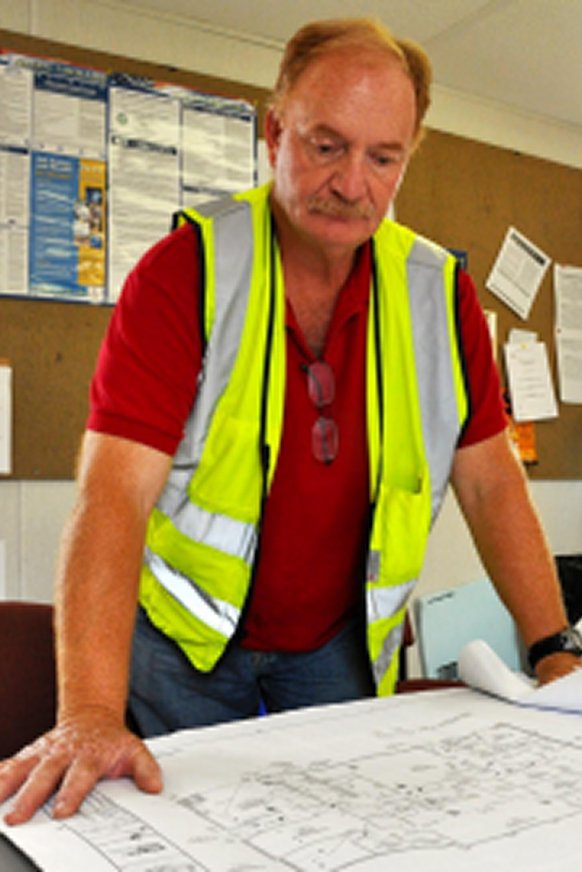
Superintendent – General contractor
What does this user do:
A superintendent working for a general contractor oversees daily construction site operations, ensuring projects are completed on time, within budget, and according to plans and safety regulations.
Pain Points
- Fragmented tools
Superintendents often rely on Excel, MS Project, or Primavera, which are not optimized for mobile or field work, creating inefficiencies when updating or accessing schedules. - Limited mobility
Managing schedules and progress tracking from the office instead of directly on-site slows down decision-making and reduces accuracy. - Complex user interfaces
Existing tools are overloaded with features that are not relevant for daily field operations, making them difficult to navigate. - Poor real-time visibility
Lack of up-to-date information on site progress makes it hard to anticipate delays and reallocate resources effectively. - Communication gaps
Without a centralized, easy-to-use platform, updates are often delayed or lost between field teams and management. - Error-prone workflows
Manual data entry and multiple disconnected systems increase the risk of mistakes in scheduling, reporting, and resource allocation.
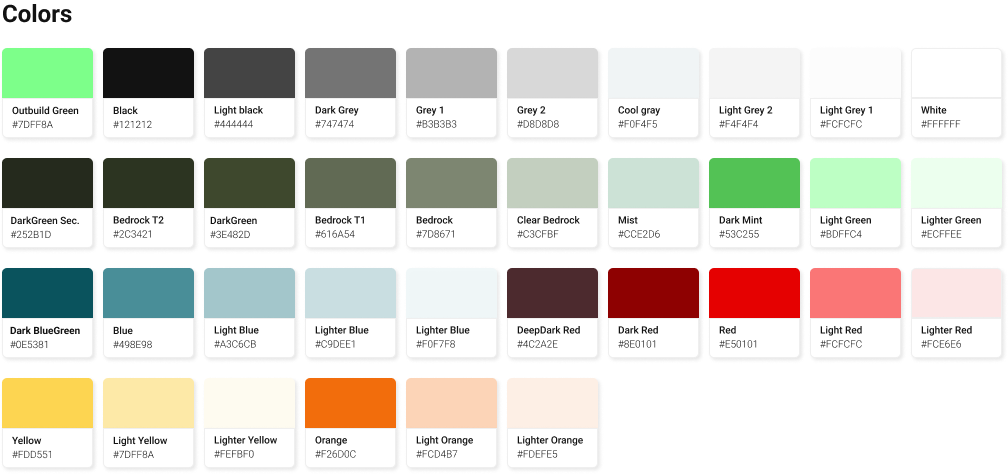
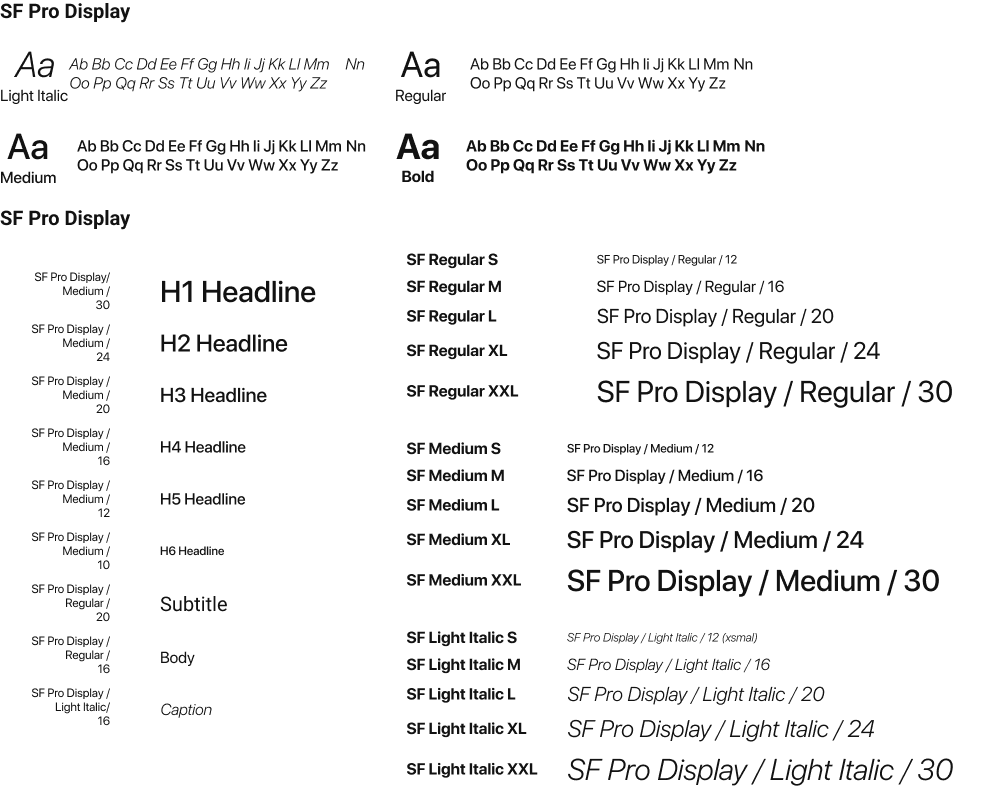
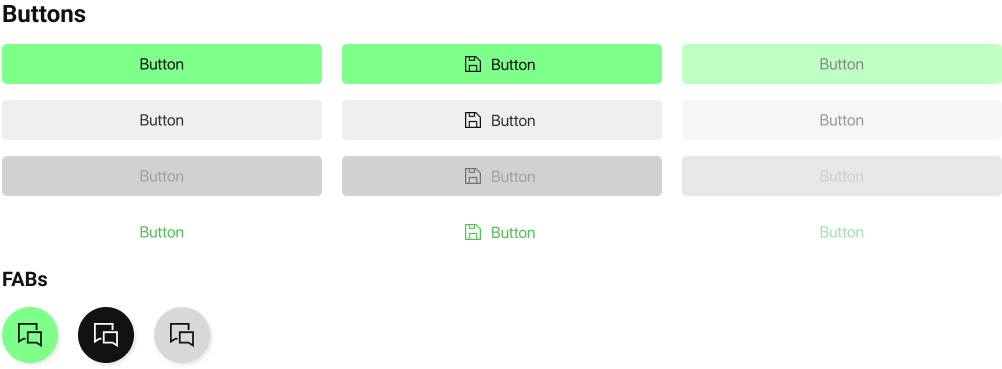
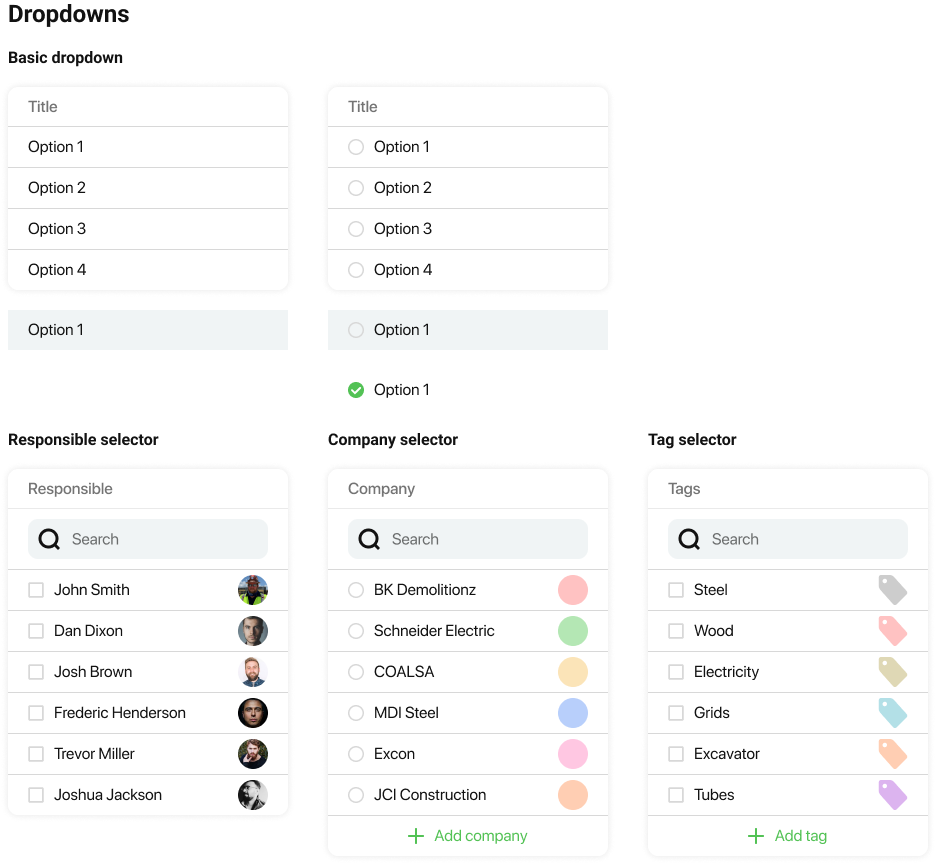
A GLIPSE OF THE DESIGN SYSTEM
Developed a custom UI kit based on iOS native components to ensure consistency, scalability, and familiarity for users.
THE FINAL PRODUCT
A modern iPad app that empowered field teams to manage lookaheads, weekly plans, and progress tracking directly from the construction site. With a clean interface and mobile-optimized workflows, the app significantly improved usability, reduced errors, and enhanced communication between office and field teams.
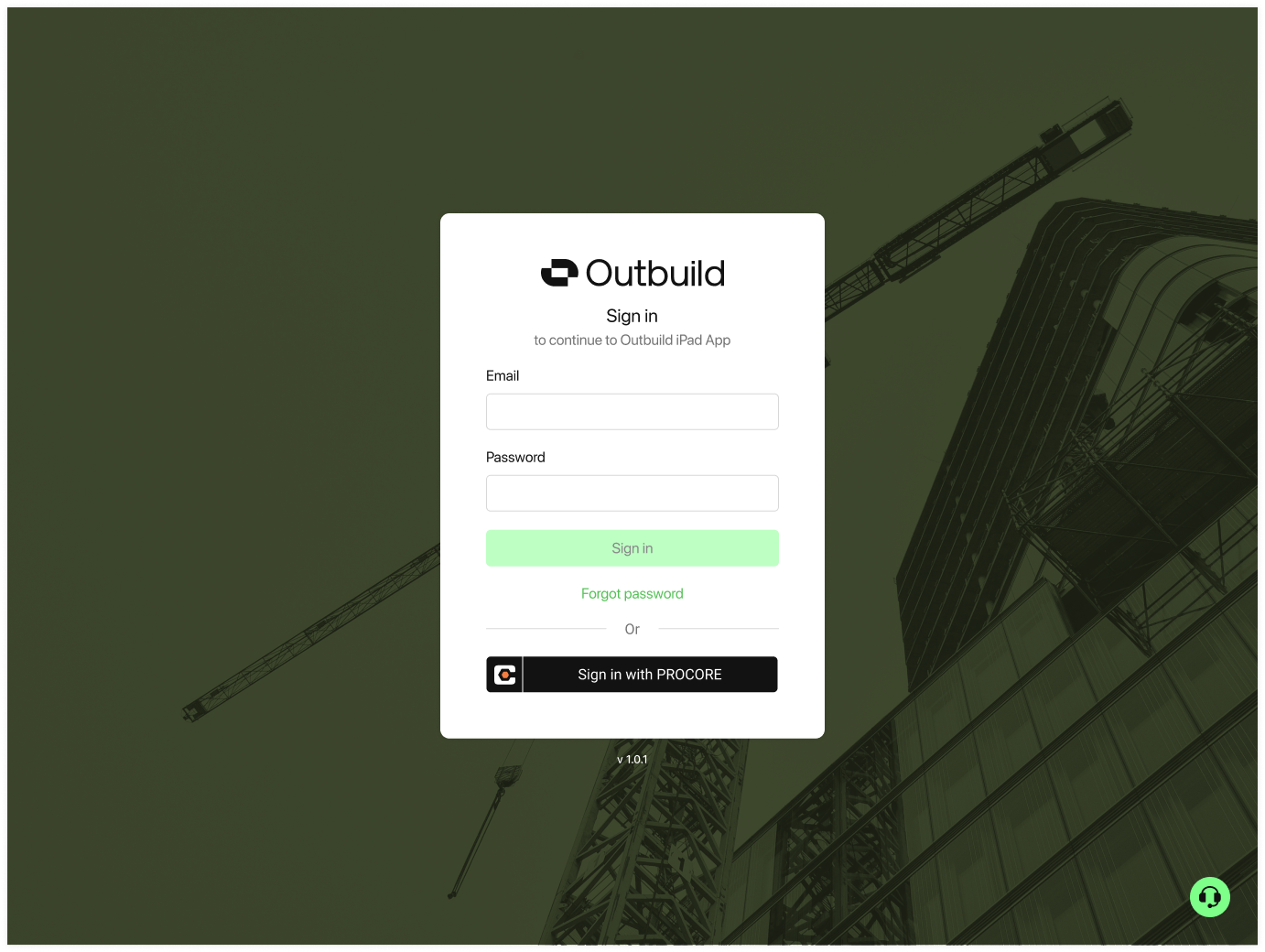
Login
Login
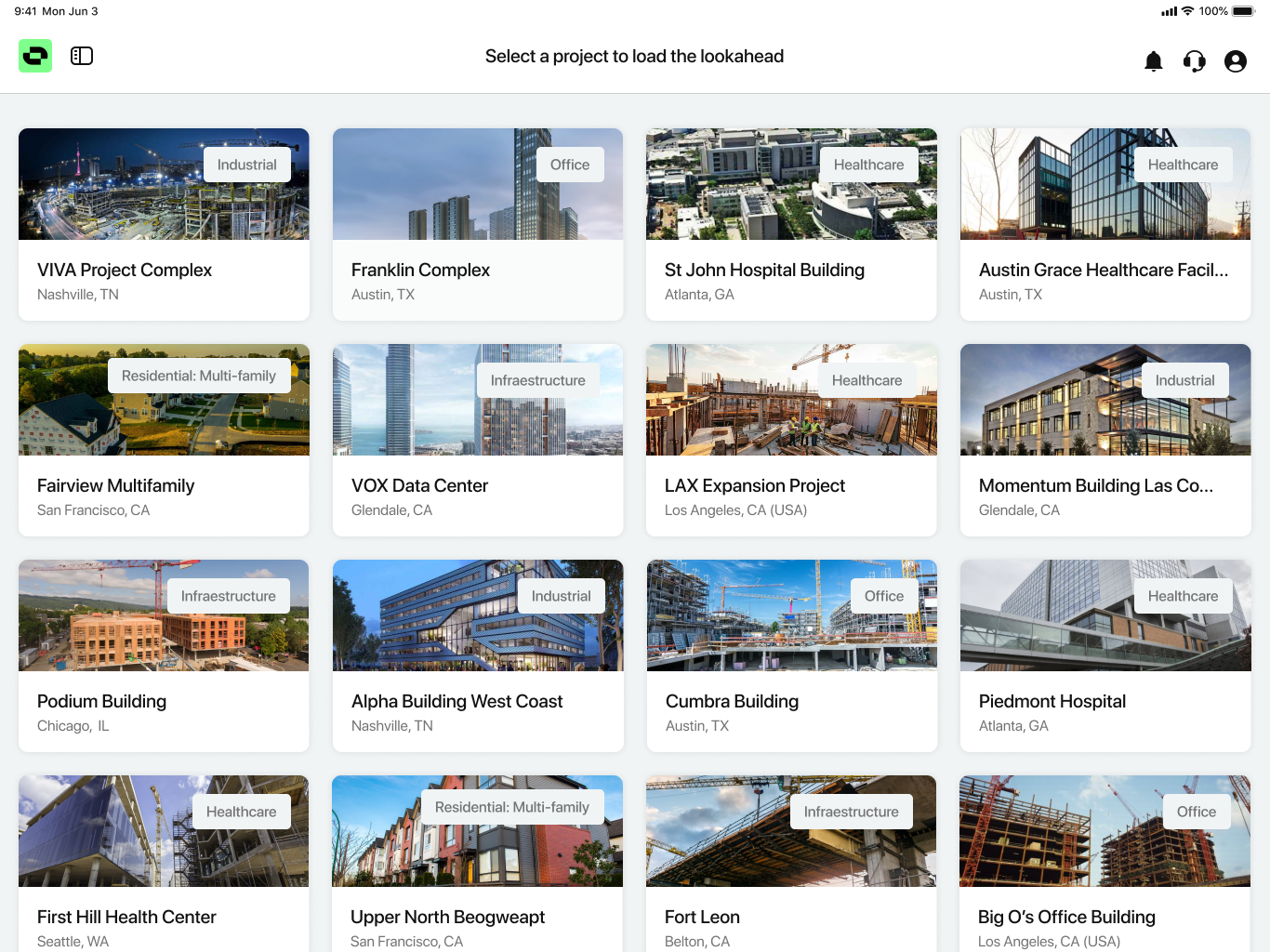
Home (Project Selection)
Home (Project Selection)
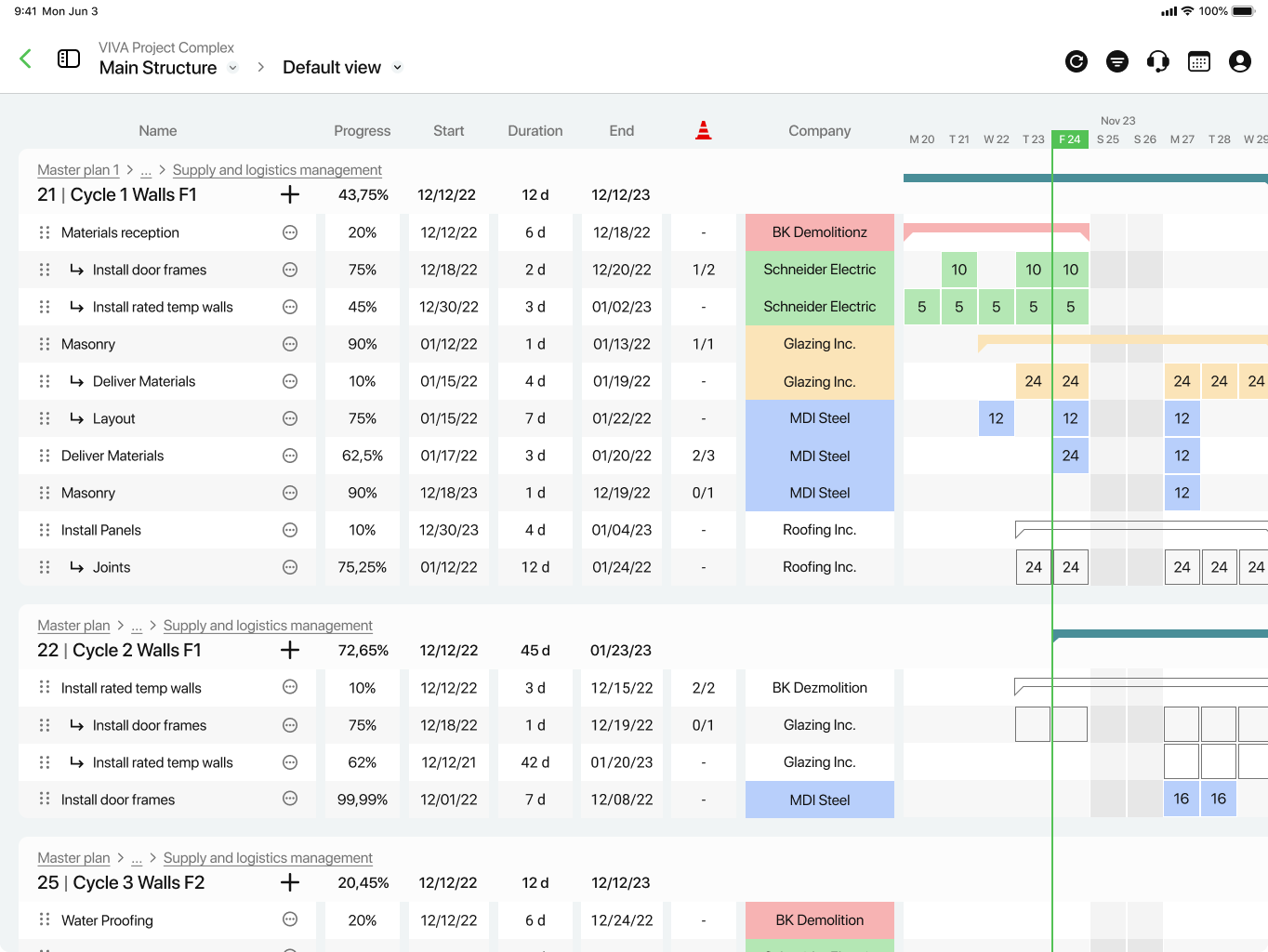
Lookahead
Lookahead
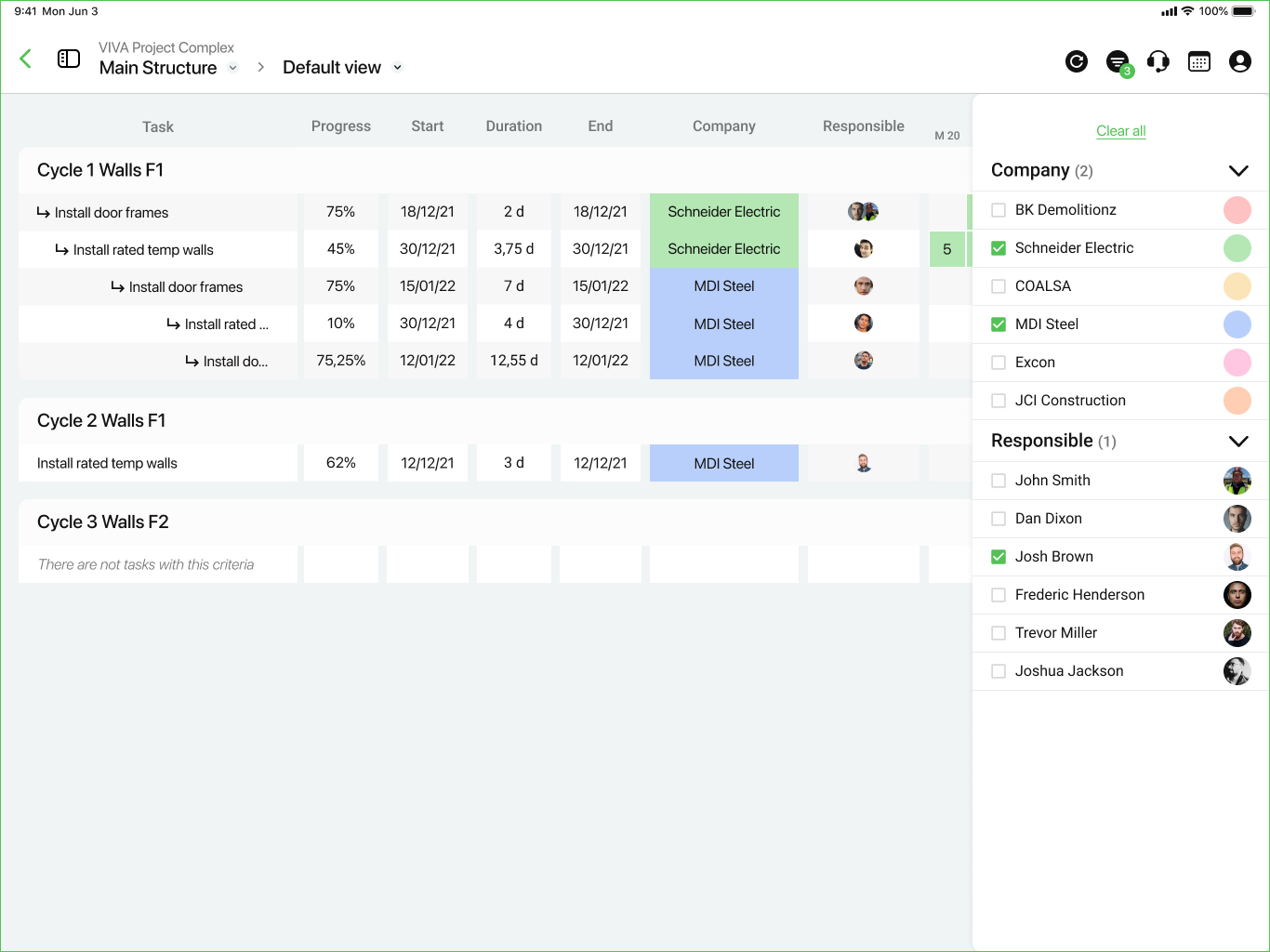
Lookahead - Filtered
 LinkedIn
 mikeimantado@gmail.com
